You can add requests from external clients and manage all your work from your personal account.
To add a request, you need to:
To add a request, you need to:
1) Go to the “Requests” section in your personal account.
2) Open the “Incoming requests” subsection.
3) Click the “Create request” button.


Next, enter the customer's contact information and comments.
Check the box “I have read and agree to the rules for processing personal data” and send the request to your personal account.
Additionally: using the request creation function, you can send requests to your partners!
Additionally: using the request creation function, you can send requests to your partners!
To do this, you need to:
1) Add a request,
2) select “Send to partner” in the upper field:

3) Next, select a Partner from those previously added to the platform:
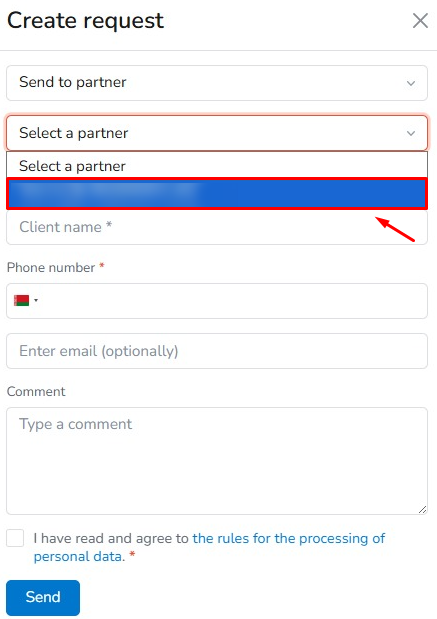
3) Next, select a Partner from those previously added to the platform: